
VideoSnap by Gelosia
Collect guided videos from any phone, then turn them into AI‑ready workflow data.
VideoSnap helps teams capture guided short videos from customers, staff, clients, or field operators, then turn them into structured workflow data for claims, legal evidence, inspections, and embedded workflows.
Claims and legal teams: see the legal workflow →
Designed for operational workflows where completeness, auditability, and speed matter.
- Mobile capture
- AI analysis
- Workflow automation
- White‑label ready
Why VideoSnap
Make video operational.
Video is a rich input—but most teams treat it as an attachment. VideoSnap standardizes capture and outputs structured fields so people and systems can act quickly.
Guided steps reduce missed details and follow‑ups.
Transcripts, summaries, and extracted fields make video scannable.
Route structured outputs to the right queue, case, or system.
Consistent metadata supports audit, QA, and customer communication.
Use cases
Four workflows where guided video pays off immediately.
Claims, inspections, embedded capture, and legal evidence—workflows where guided video usually delivers value fastest.
Claims & incident capture
- Problem
- Evidence arrives late and incomplete; reviewers spend time chasing basics.
- How VideoSnap helps
- Guided prompts ensure required shots and statements in one pass; outputs are transcribed and structured for review.
- Outcome
- Faster triage, fewer follow‑ups, clearer decisions.
Field inspections & service checks
- Problem
- Inconsistent inspection quality and documentation slows QA and reporting.
- How VideoSnap helps
- Step‑by‑step capture produces repeatable walk‑throughs and check points with structured outputs.
- Outcome
- More consistent inspections, quicker QA, better records for customers and compliance.
Embedded, white‑label capture for software platforms
- Problem
- Customers want to submit video, but building capture + processing delays roadmap and creates maintenance risk.
- How VideoSnap helps
- Embed or white‑label a proven capture flow with configurable prompts and output schema.
- Outcome
- Ship faster, keep your UX consistent, control where data goes.
Personal injury evidence capture
- Problem
- Client videos arrive as long, unfocused clips that take billable time to review and still miss details you need for liability and quantum.
- How VideoSnap helps
- Guide clients through accident scenes, injury documentation, and witness statements so your firm receives timestamped, structured video evidence instead of unusable phone clips.
- Outcome
- Faster case prep, stronger documented claims, and less back-and-forth with clients.
Workflow
How VideoSnap fits the workflow
Guided video works best when teams know when to trigger it, who sends it, and how outputs reach the case or operational process.
Who initiates VideoSnap?
- Claims handlers and intake teams
Start guided capture when a new claim or incident is reported, so evidence arrives in a usable format from the start.
- Adjusters, inspectors, and field teams
Trigger structured capture during site visits, inspections, damage reviews, or follow-up checks.
- Solicitors and case teams
Request focused video updates, witness material, or client evidence in a format that is easier to review.
- Operations and product teams
Embed or trigger capture inside an existing workflow so users can submit guided video without a separate process.
The workflow cycle
- Open the case
A claim, incident, inspection, or instruction is created in your existing system.
- Send guided capture
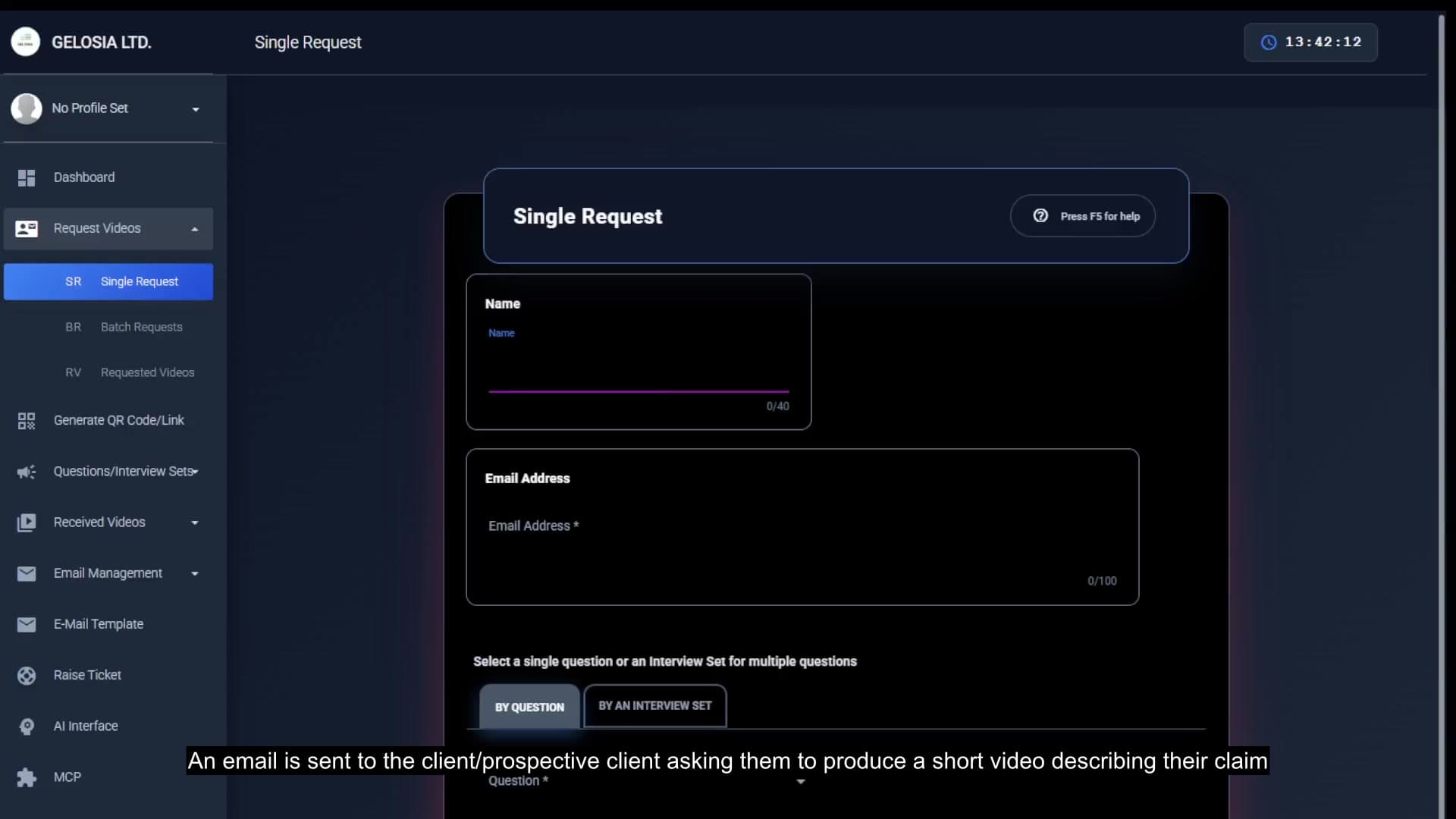
A handler, adjuster, or workflow rule sends a secure video request by link, SMS, or embedded flow.
- Collect the right video
Short guided clips with prompts for required shots, statements, and context.
- Structure the output
Transcript, summary, extracted fields, metadata, and moderation checks—easier to review than raw attachments.
- Route and act
Structured outputs go to the right queue, case, team, or product workflow.
Why teams use it early
Capture required details in one pass instead of follow-up requests later.
Scan transcript, summary, and key fields before opening full video.
Video, metadata, and structured outputs stay tied to the case from the start.
Review material in context and use it at the right stage of the process.
Platform and integrations
Fits your systems. Respects your constraints.
VideoSnap is built to integrate cleanly: capture on mobile, generate structured outputs, and route them into your workflow tools and AI pipelines.
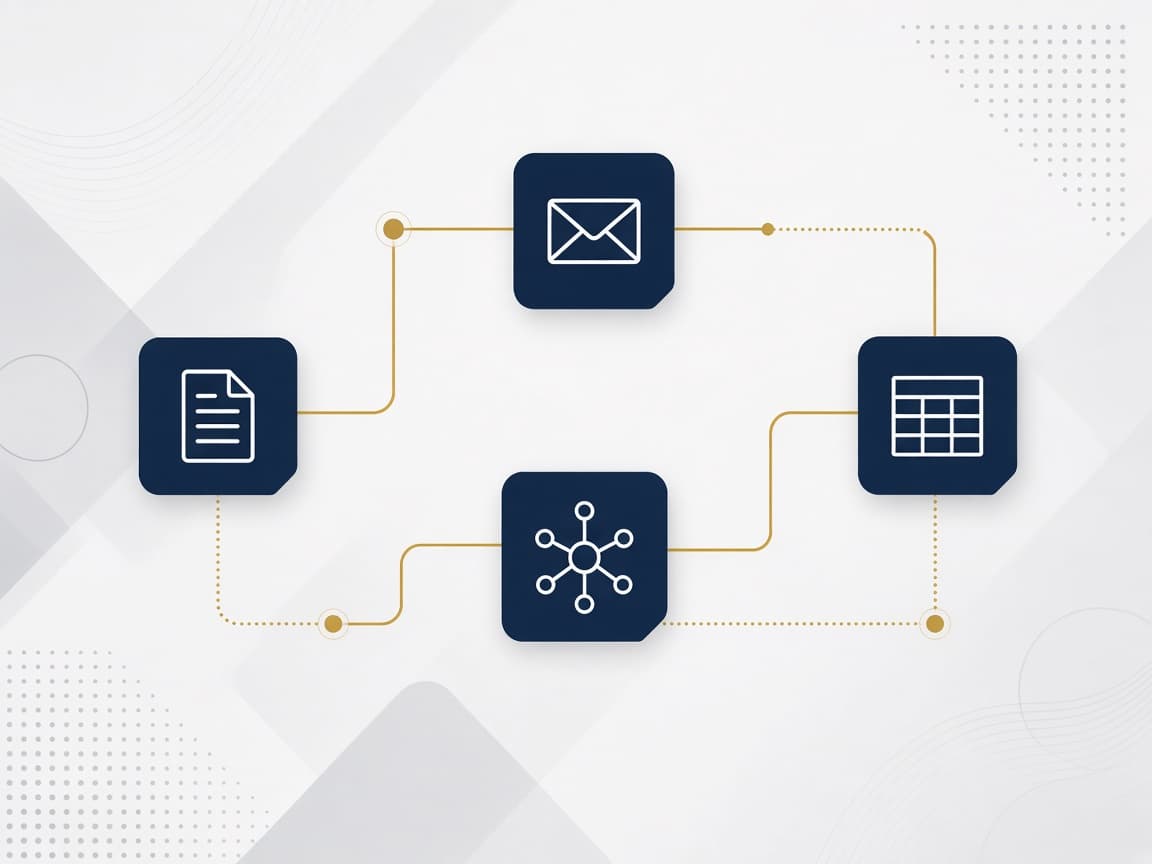
Route outputs to case tools, ticketing, storage, webhooks, and pipelines.
Transcription, extraction, classification, moderation, and custom checks—configured per workflow.
Choose where processing runs and how data is stored and retained.
Branding, prompts, flows, and schemas tailored to your product or process.
Connect VideoSnap outputs to MCP‑enabled tools and agents for automation and enrichment.
Integrations commonly pair with workflow tools like n8n and Node‑RED to route structured outputs where they need to go.
Feature groups
Capabilities grouped by workflow stage.
Evaluate fit quickly across capture, processing, automation, and control.
- Guided steps and required checkpoints
- Short capture optimized for field use
- Metadata alongside video (who/where/when/what)
- Transcription and searchable text
- Summaries and extracted fields
- Content moderation and policy checks
- Structured outputs for downstream systems
- Structured capture for legal evidence, not just claims and inspections.
- Routing rules and event triggers
- Review queues and approvals
- Integration hooks for tools and pipelines
- White‑label and embedded options
- Schema control for structured outputs
- Deployment and data‑flow choices
- Enterprise‑friendly controls for governed environments
Pricing
Start with a trial. Scale with confidence.
Run a short trial around one of the flagship workflows. Plans scale by usage, integrations, and deployment requirements.
Validate capture quality and outputs with guided onboarding.
Production workflows for a department or region.
White‑label/embedded, advanced controls, tailored deployment.
Start with a trial scoped to one workflow.
FAQ
Practical answers for buyers.
Practical answers on deployment, control, and fit.
What devices are supported?+
Any modern iOS or Android phone. The capture flow is designed for mobile use in the field.
How long can videos be?+
VideoSnap is optimized for short videos—typically 30 seconds to 5 minutes—to keep capture fast and processing reliable.
Can we white‑label or embed VideoSnap in our product?+
Yes. VideoSnap supports embedded and white‑label capture, with customizable prompts, flows, and branding.
How does AI processing work?+
Videos can be transcribed and analyzed to extract structured fields, summaries, classifications, and checks. You choose what outputs you want and how they map to your workflow.
Does customer data stay under our control?+
VideoSnap is designed to support controlled enterprise data flows, including options that align with client‑owned infrastructure and policy requirements.
How do integrations work?+
Structured outputs can be routed into your existing tools and pipelines using integrations that match your workflow.
Can we use our own AI providers or infrastructure?+
Yes. VideoSnap supports client-owned AI providers and infrastructure so processing aligns with your security and governance requirements.
How does MCP integration work?+
In the technical layer, MCP lets VideoSnap outputs be consumed by MCP-enabled tools and agents for automation and enrichment.
Does it integrate with workflow tools like n8n or Node‑RED?+
Yes. These are common patterns alongside webhooks and existing pipelines for routing structured outputs.
See VideoSnap in action
From request to received evidence — in under two minutes.
Turn field video into decisions—not backlog.
If your teams collect video for claims, inspections, or your product, VideoSnap helps you capture it once and turn it into structured, AI‑ready workflow inputs your systems can use.
Enterprise‑friendly onboarding. Clear success criteria. No vague “AI platform” promises.